
Blog

Forensic SEO Blog: evidence-led guides

Guides on traffic drops, indexing problems, migrations and AI search visibility by Md Raihan Islam, a CSE engineer and forensic SEO consultant with 12+ years of hands-on work. Every guide is built on real client investigations and Google’s own documentation.

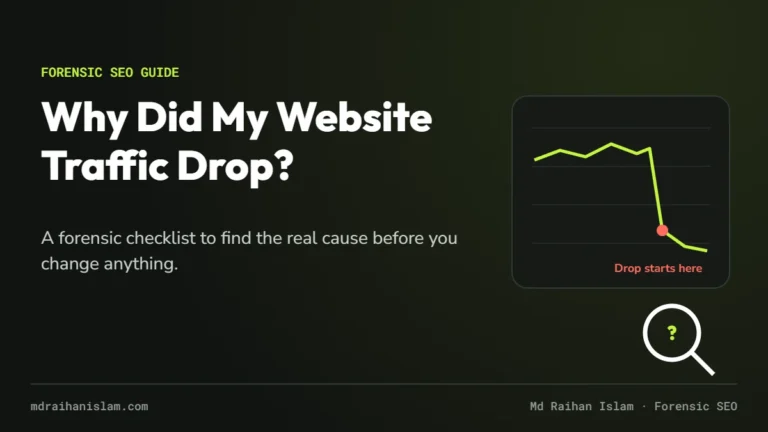
Why did my website traffic drop: forensic checklist cover showing a traffic line that falls suddenly

Why Did My Website Traffic Drop? A Forensic Checklist to Find the Real Cause

Why did my website traffic drop? In most cases, for one of six reasons: a technical or indexing problem, a Google algorithm update, a security issue, a spam issue, seasonality or falling demand, or a site migration. A seventh cause is a tracking error that only looks like a drop. The fastest way to find yours is to read the shape of the drop in Google Search Console, then rule causes out in order, starting with the ones you can prove.
Read the guide →
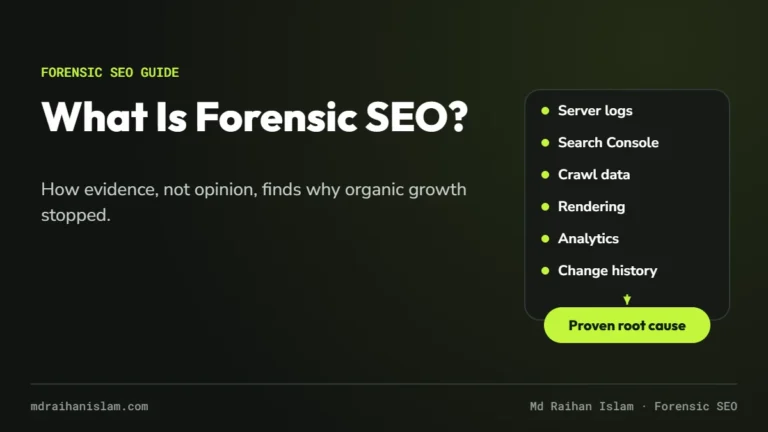
What is forensic SEO: cover showing six evidence sources leading to a proven root cause

What Is Forensic SEO? A Practitioner’s Guide to Finding Why Organic Growth Stopped

Forensic SEO is an evidence-led investigation into why a website lost, or never gained, organic search traffic. Instead of running a generic checklist, a forensic SEO consultant uses Google Search Console, server logs, crawl and rendering tests, analytics and change history to prove the root cause first, then fixes it in order of business impact. It answers “why did this happen?”, not just “what could be improved?”

Read the guide →
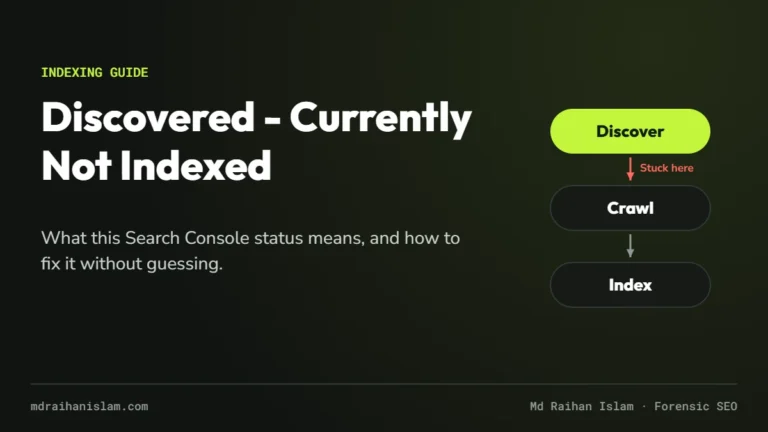
Discovered currently not indexed: cover showing a page stuck between Google discovering and crawling it

Discovered – Currently Not Indexed: What It Means and How to Fix It

“Discovered – currently not indexed” means Google knows a URL exists but has not crawled it yet. Google’s Page indexing report explains that this usually happens when crawling was expected to overload the site, so the crawl was rescheduled. On small and new sites it more often reflects low crawl priority: weak internal links, an unreliable or slow server, or sitewide quality signals. Fix the cause, request indexing once, and give Google time.

Read the guide →
Secret Link