
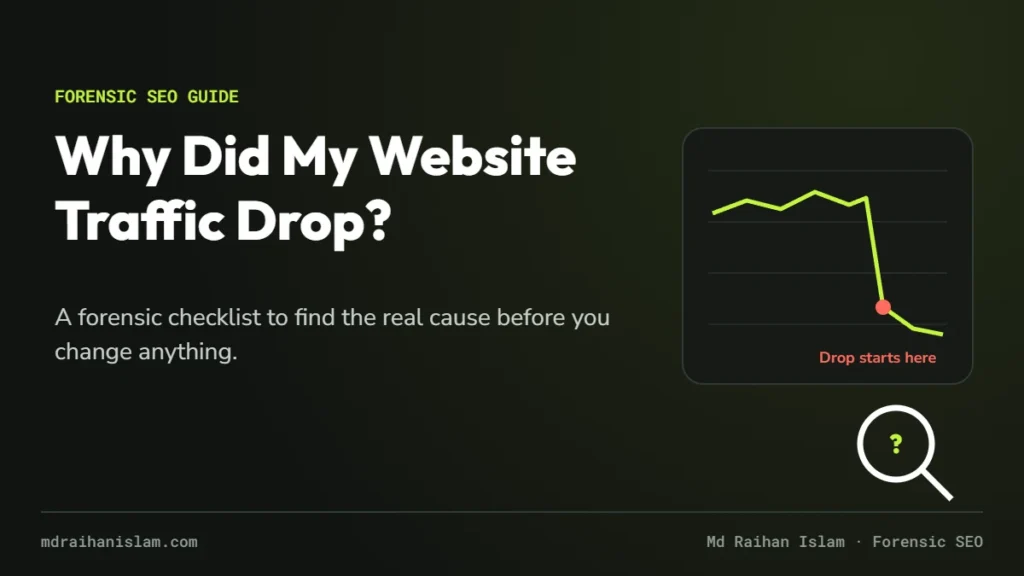
Every week someone sends me the same screenshot: a Search Console graph that was climbing, then suddenly wasn’t. The first question is always why did my website traffic drop? The second is usually what should I change? My honest answer to the second question is almost always: nothing yet.
I’m Raihan Islam. I have spent more than 12 years diagnosing search problems, including 21,000+ hours across 100+ projects on Upwork, where I’m Top Rated Plus. The pattern I see again and again is the same: owners change content, redirects and plugins in a panic, and the real cause gets buried under new problems. This checklist is the order I actually work in, using Google’s own documentation as the baseline.
The six reasons Google traffic drops
Google’s own guide to debugging drops in Google Search traffic opens with a simple line: “A drop in organic Search traffic can happen for several reasons.” It groups those reasons into a handful of categories, and every drop I have investigated fits one of them:
- Technical issues: server errors, robots.txt problems, stray
noindextags, or anything else that stops Google from crawling or indexing your pages. - Algorithmic updates: core updates and smaller ranking changes.
- Security issues: hacked pages, malware or phishing warnings that scare users away before they click.
- Spam issues: manual actions or violations of Google’s spam policies.
- Seasonality and changing demand: fewer people searching for what you offer.
- Site moves and migrations: URL changes while Google recrawls and reindexes your site.
From client work I add a seventh: tracking problems. Sometimes your traffic did not drop at all. Your analytics did.
Step 1: Confirm the drop is real
Before diagnosing anything, prove the loss exists in Google’s data, not just in a dashboard.
- Open Search Console, go to Performance, and set the date range to the last 16 months. Google recommends this so you can see yearly patterns.
- Compare the drop period with the same period last year. A December dip for a B2B site is often seasonality, not a penalty.
- Compare Search Console clicks with GA4 organic sessions. If GA4 fell and Search Console did not, check your tracking first: a broken tag, a consent banner change or a new filter.
- Check Google Trends for your main topics to see whether demand fell for everyone.
Raihan’s tip
Keep a change log
Keep a simple, dated log of every deploy, plugin or theme update, redirect, content change and hosting change. When traffic drops, the first forensic question is always what changed on that date? Sites with a change log answer it in minutes. Sites without one spend weeks guessing. So before you touch anything else, write down the exact day your drop started.
Step 2: Read the shape of the drop
The shape of the line tells you where to look. If I could give you only one habit, it would be this one.
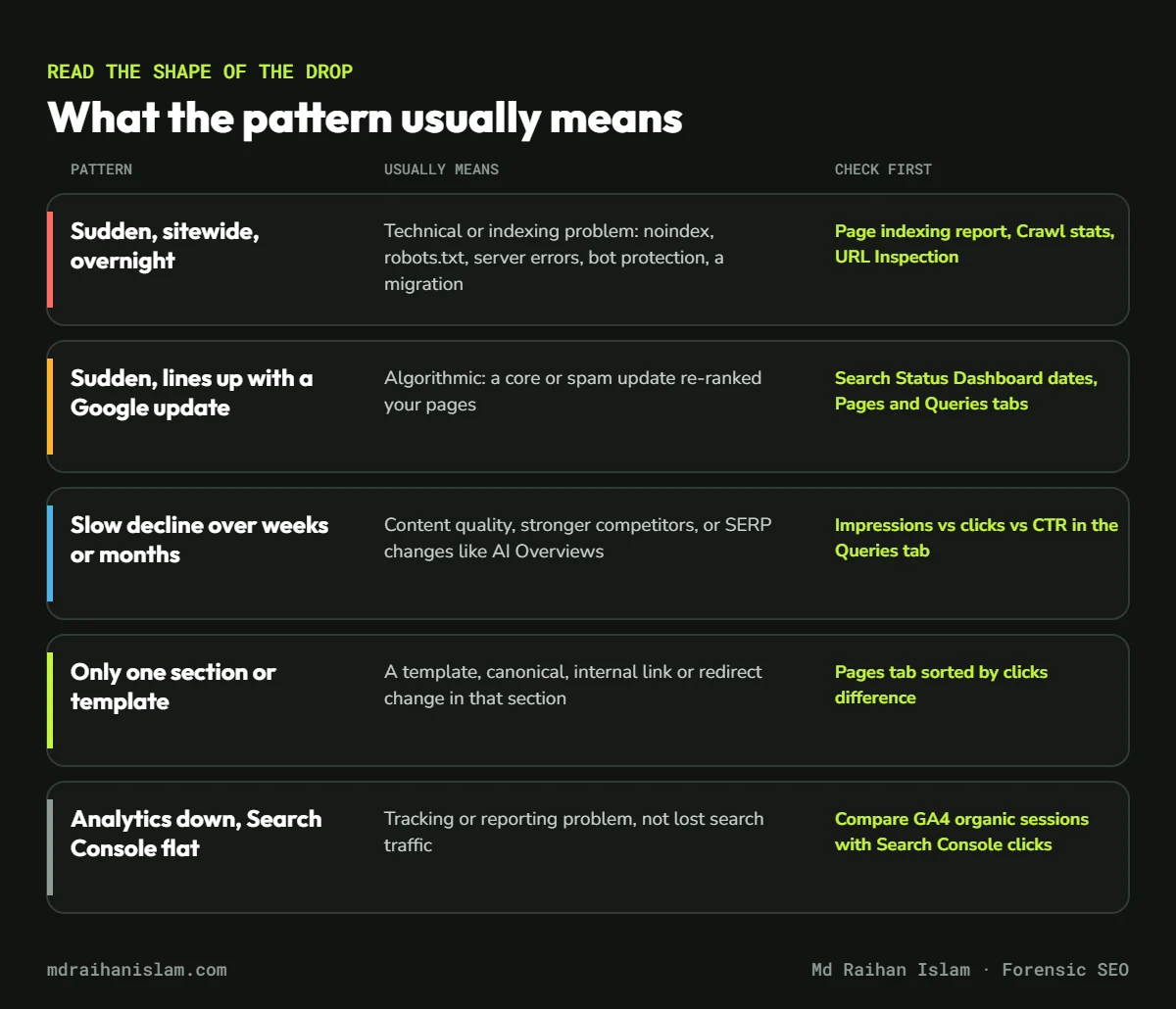
| Pattern | Usually means | Check first |
|---|---|---|
| Sudden, sitewide, overnight | Technical or indexing problem | Page indexing, Crawl stats, URL Inspection |
| Sudden, matches a Google update | Algorithmic re-ranking | Search Status Dashboard, Pages and Queries tabs |
| Slow decline over weeks | Quality, competitors or SERP changes | Impressions vs clicks vs CTR |
| One section or template only | A template, canonical or redirect change | Pages tab sorted by clicks difference |
| Analytics down, Search Console flat | Tracking or reporting problem | GA4 vs Search Console clicks |
To see where the loss sits, open the Pages tab, compare the two periods and sort by clicks difference. Google’s guidance is clear on the next move: if the drop is sitewide, start with the Page indexing report; if it is limited to a group of pages, inspect a few of them with the URL Inspection tool.
Step 3: Rule out technical blockers first
I always check technical causes first, because they are the fastest to prove and the fastest to fix. A sudden, sitewide drop usually lives here.
noindextags on pages that should rank (check the page source and the URL Inspection result)- robots.txt rules that block important sections
- Redirects or canonical tags pointing somewhere unexpected after a redesign
- Server errors and slow responses, visible in Settings > Crawl stats
- Anything blocking Googlebot, including security plugins, firewalls and hosting bot protection
A real example from my own site
When I launched this website in October 2026, I ran the same checks on myself and found three problems in two weeks. My host’s bot protection started returning a “Please wait while your request is being verified” page, with a normal 200 status, even for robots.txt and the sitemap, to any client that did not run JavaScript. Two service pages had picked up a noindex tag. And an old service URL returned a 404 after a slug change, with no redirect.
None of these showed up as a red warning in a typical audit score. All of them showed up the moment I looked at raw HTTP responses and Search Console. That is the whole idea behind forensic SEO: you look at what Google actually receives, not at a summary number.
Step 4: Match the date to Google updates and your own changes
Write down the exact day the decline started. Then compare it with two timelines:
- Google’s confirmed ranking updates on the Google Search Status Dashboard.
- Your own change log: deploys, theme or plugin updates, migrations, content pruning, new redirects and hosting changes.
If the date lines up with a core update, read Google’s guidance on core updates before acting. A drop after a core update does not automatically mean your pages are bad, and Google is upfront that improvements “may take time to see an effect in Search results.” Google’s John Mueller has been even more direct about timelines:
“Some things take much longer to be reassessed (sometimes months, at the moment).”
John Mueller, Google, on X, reported by Search Engine Roundtable (May 2024)
If you expect a fix to work within a week, you will probably make extra changes that muddy the evidence. Give each change time to be measured.
Step 5: Separate lost rankings from lost clicks
Since AI Overviews and other rich results expanded, I see more cases where rankings hold steady but clicks still fall. Search Console lets you tell the two apart:
- If impressions and average position are stable but CTR fell, the results page probably changed: an AI Overview, more ads, or a video or product carousel.
- If impressions fell together with position, you lost rankings, which points you back to steps 3 and 4.
- Filter by query and by search appearance to see exactly which searches changed.
Google explains how its generative features show and link to websites in AI features and your website. The practical takeaway: aim to be the cited source, not only the blue link. That is the focus of my AI SEO consulting work.
Step 6: Fix in order of impact, one change at a time
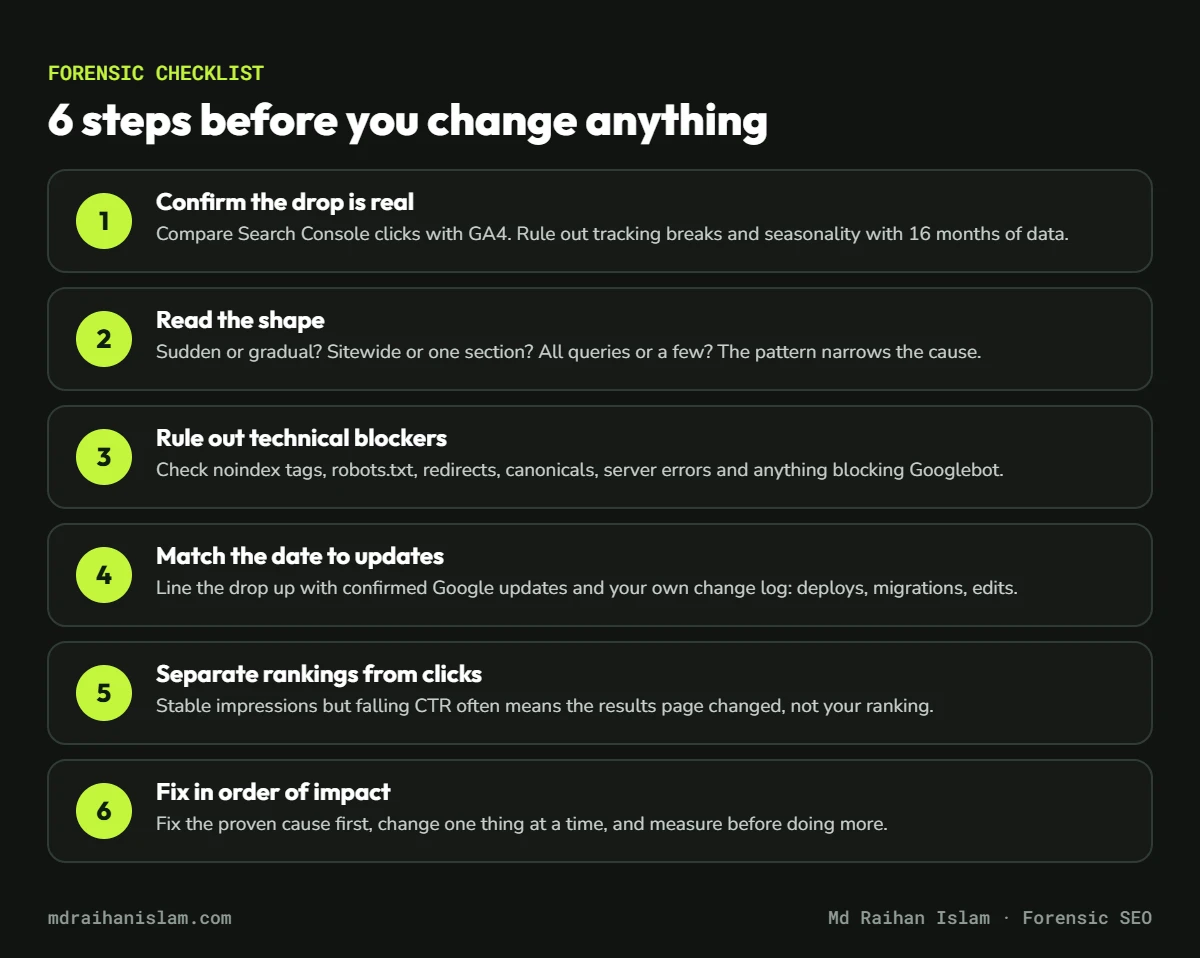
Once you have a proven cause, fix that first. In the same debugging guide, Google recommends avoiding radical changes if a page is already performing well. I would add one rule of my own: change one thing at a time and note the date, so you can see what actually worked.
- Anything that blocks crawling or indexing
- Pages that earn revenue or leads
- Sitewide quality issues
- Everything else
The audit said 96. Google said otherwise.
A Shopify store I worked with, Lone Star Mushrooms, had a third-party audit score of 96 out of 100. Google’s own data told a different story: a mobile PageSpeed score of 40 and hundreds of pages that were not indexed. We fixed the technical foundation first, then buyer-intent content. In the first 30 days after the fix, organic search revenue in GA4 grew from $196 to $871, a 343% increase. You can read the full Lone Star Mushrooms case study.
When to fix it yourself, and when to get help
Many drops are fixable in-house once you know the cause: a stray noindex, a broken redirect, a missing tracking tag. Get a second opinion when the drop is large and sustained, when the date matches no change you know about, when it followed a migration, or when you have already made several changes and can’t tell which one helped.
If Search Console shows pages stuck as Discovered – currently not indexed, start with my guide to fixing Discovered – currently not indexed.
Not sure what caused your drop?
My forensic SEO audit uses your own Search Console data, server logs and rendering tests to prove the cause, then ranks every fix by revenue impact. You keep the full plan, whether or not we work together.
FAQ
How long does it take to recover from a traffic drop?
Technical fixes, such as removing a stray noindex tag, can recover within days to weeks once Google recrawls the pages. Drops tied to quality and core updates usually take longer, often months, because Google needs time to reassess the site.
Can a Google update cause a sudden traffic drop?
Yes. Core updates and spam updates can shift rankings within days of rolling out. Check the date of your drop against the Google Search Status Dashboard before changing anything.
Why did my traffic drop when my rankings stayed the same?
Usually because fewer people clicked, not because you ranked lower. AI Overviews, ads or other features can push results down the page, and seasonal demand can fall. Compare impressions, average position and CTR in Search Console.
Should I delete content after a traffic drop?
Not as a first step. Google’s core update guidance treats removing content as a last resort. Prove the cause first, then improve or consolidate pages based on evidence.
Is my traffic drop a Google penalty?
Only if the Manual Actions report in Search Console shows one. Most drops are technical or algorithmic, not manual penalties.